
📋
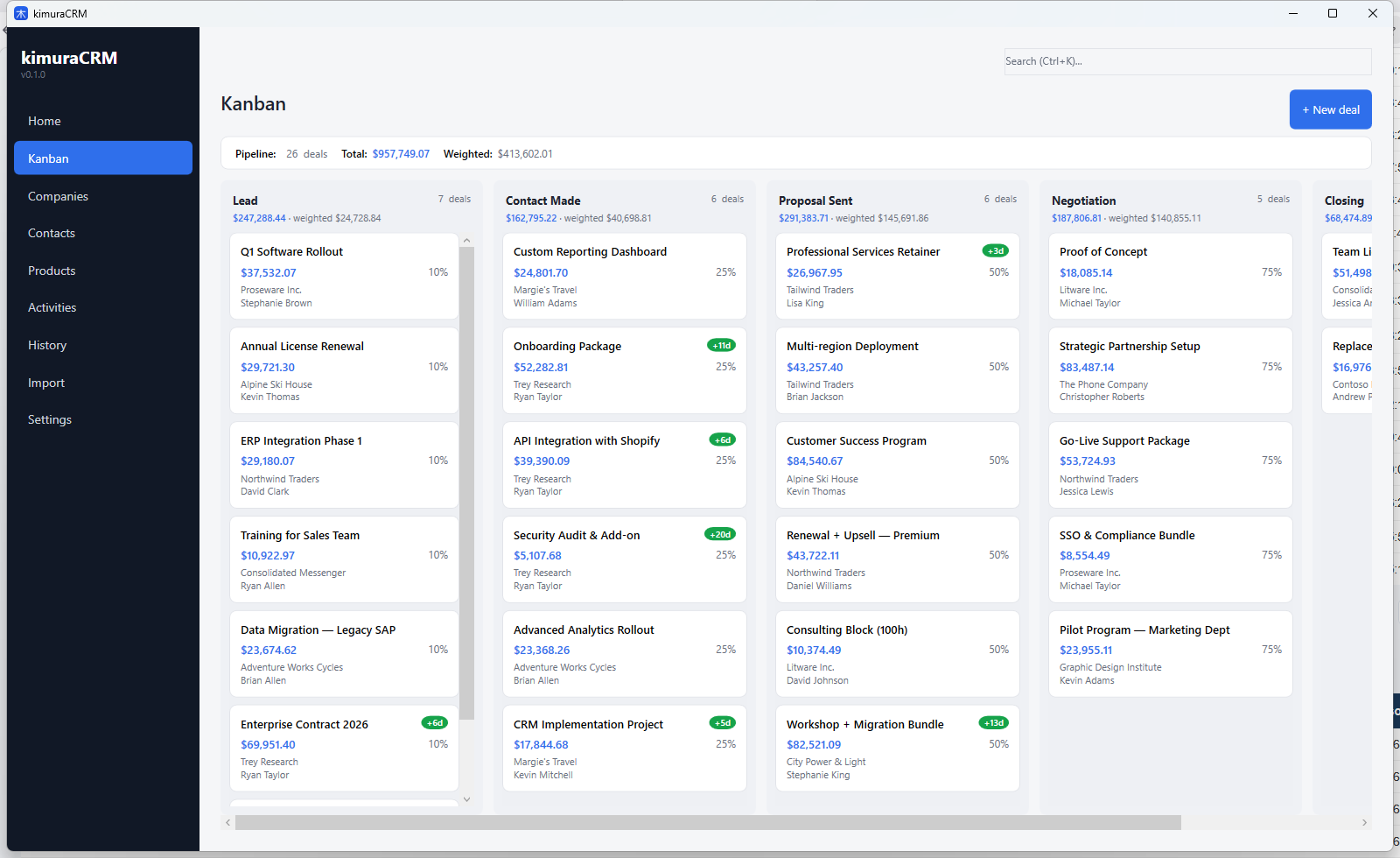
Sales kanban
Pipeline with stage columns. Drag and drop to move between phases, with automatic logs of what happened in each deal.
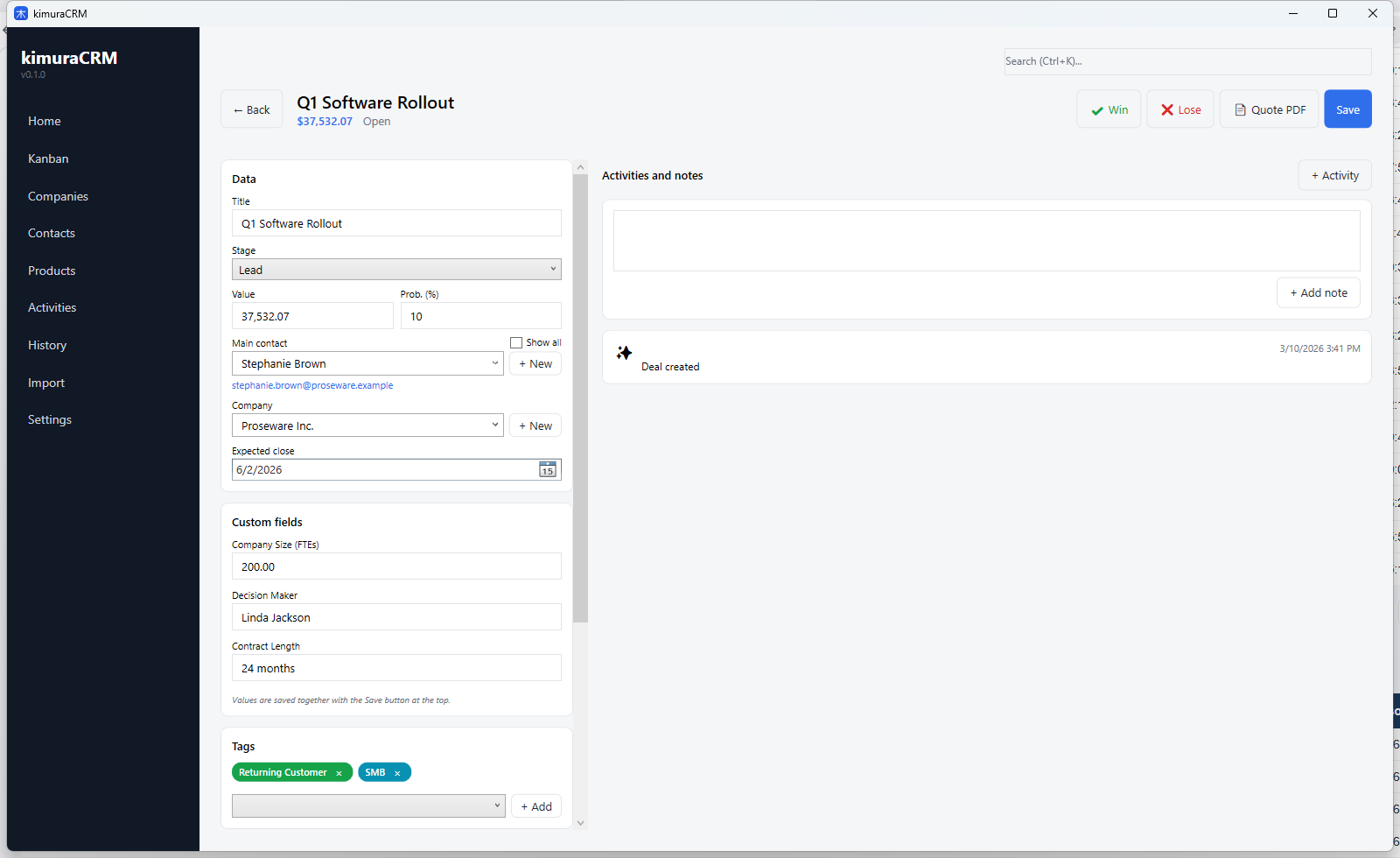
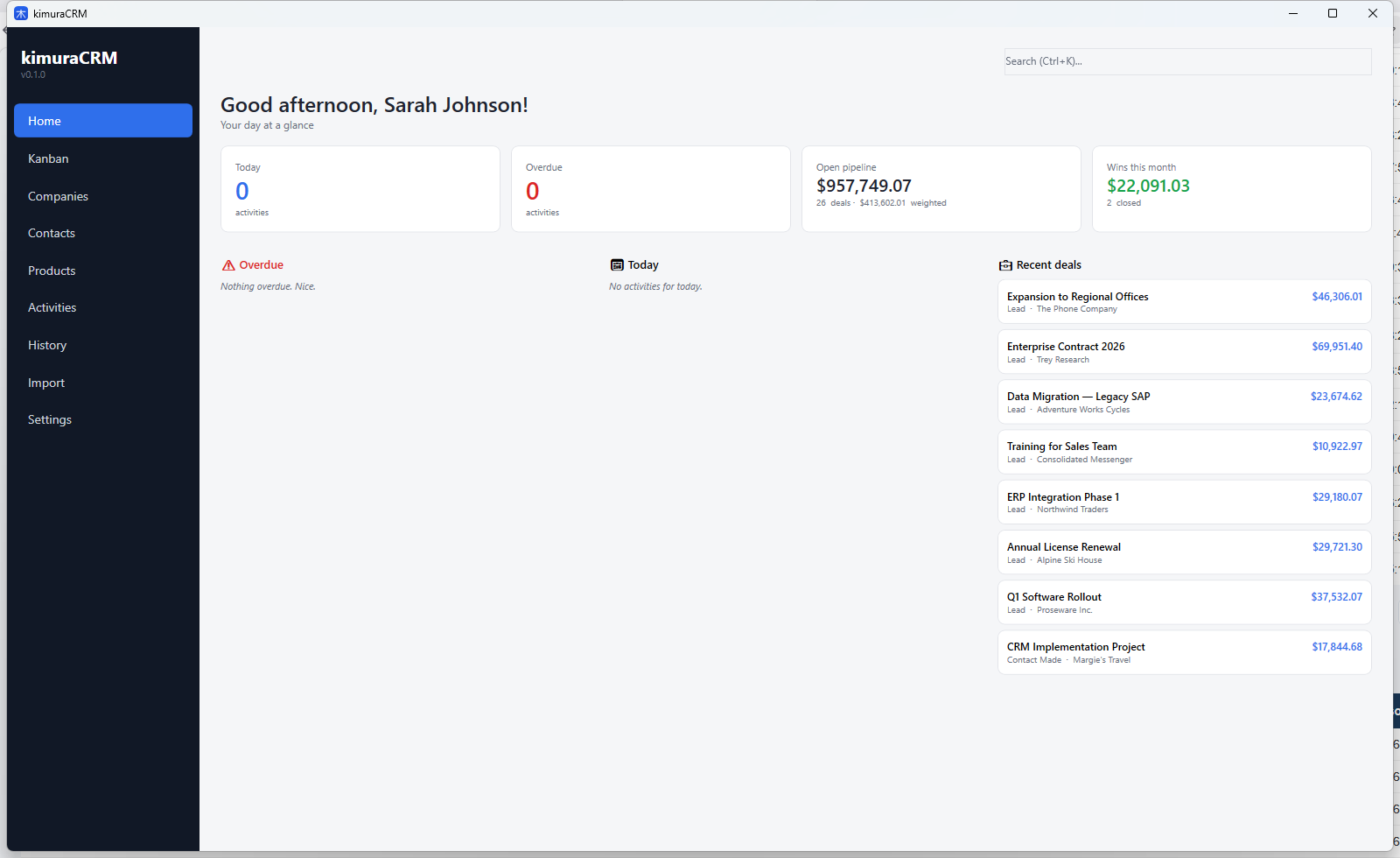
Sales kanban, contacts, PDF quotes and activities — all in one native Windows app. Install, use, done. No login, no subscription.
Made for people who want to organize sales without messy spreadsheets and without monthly fees.
Pipeline with stage columns. Drag and drop to move between phases, with automatic logs of what happened in each deal.
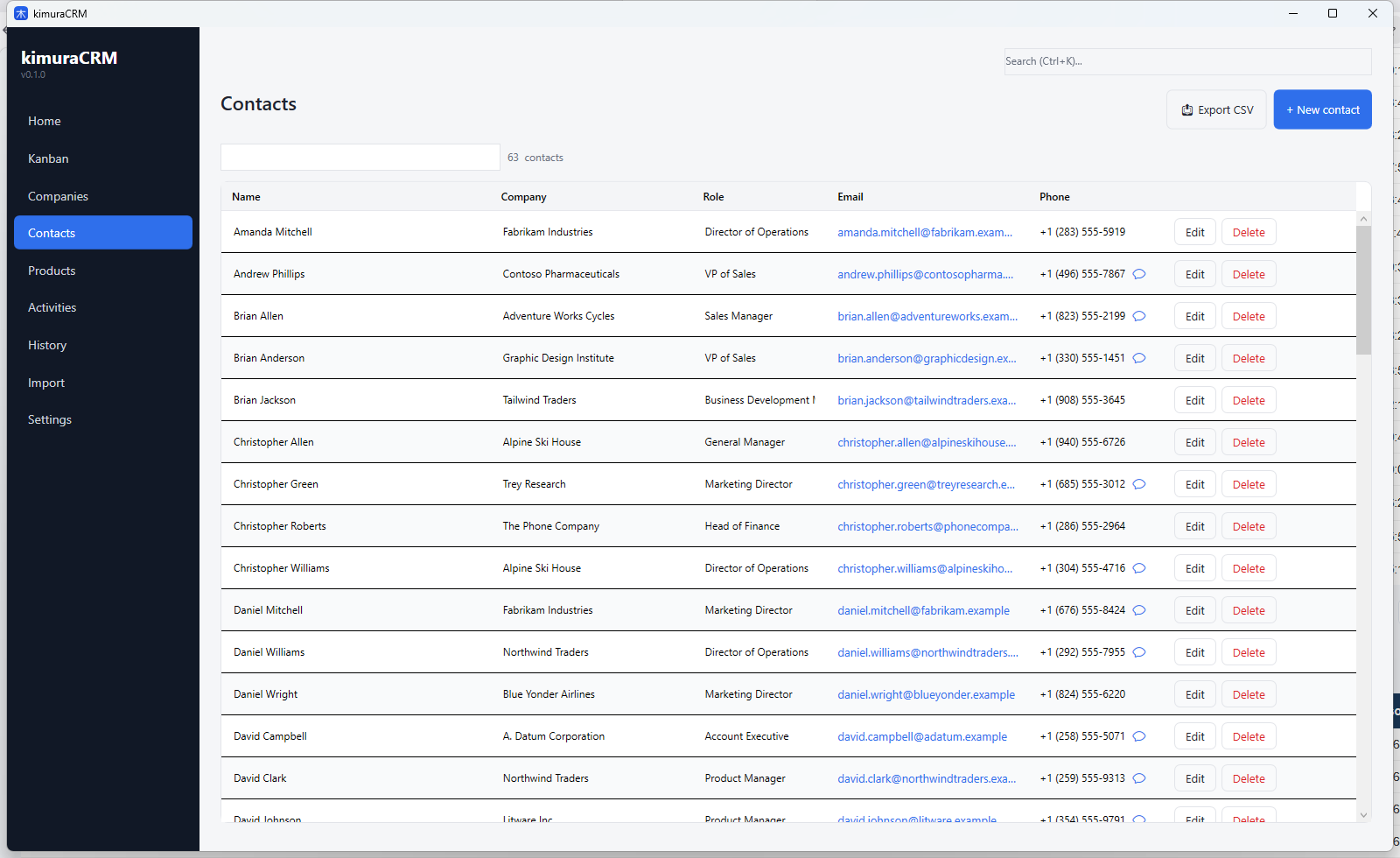
Multiple phones and emails per person, clickable WhatsApp link, company link and interaction history.
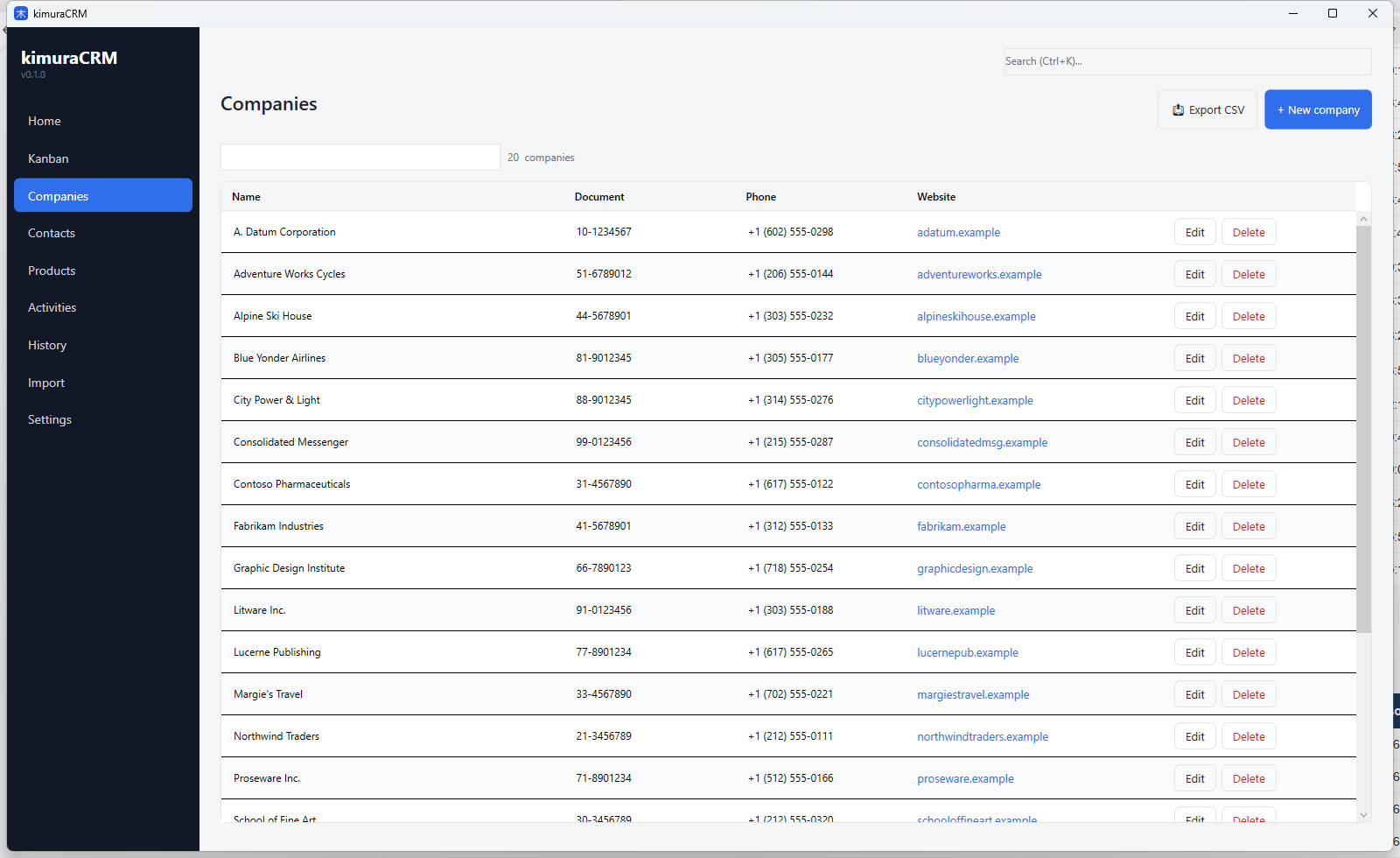
Records with EIN/VAT, address, website and every deal linked to that account.
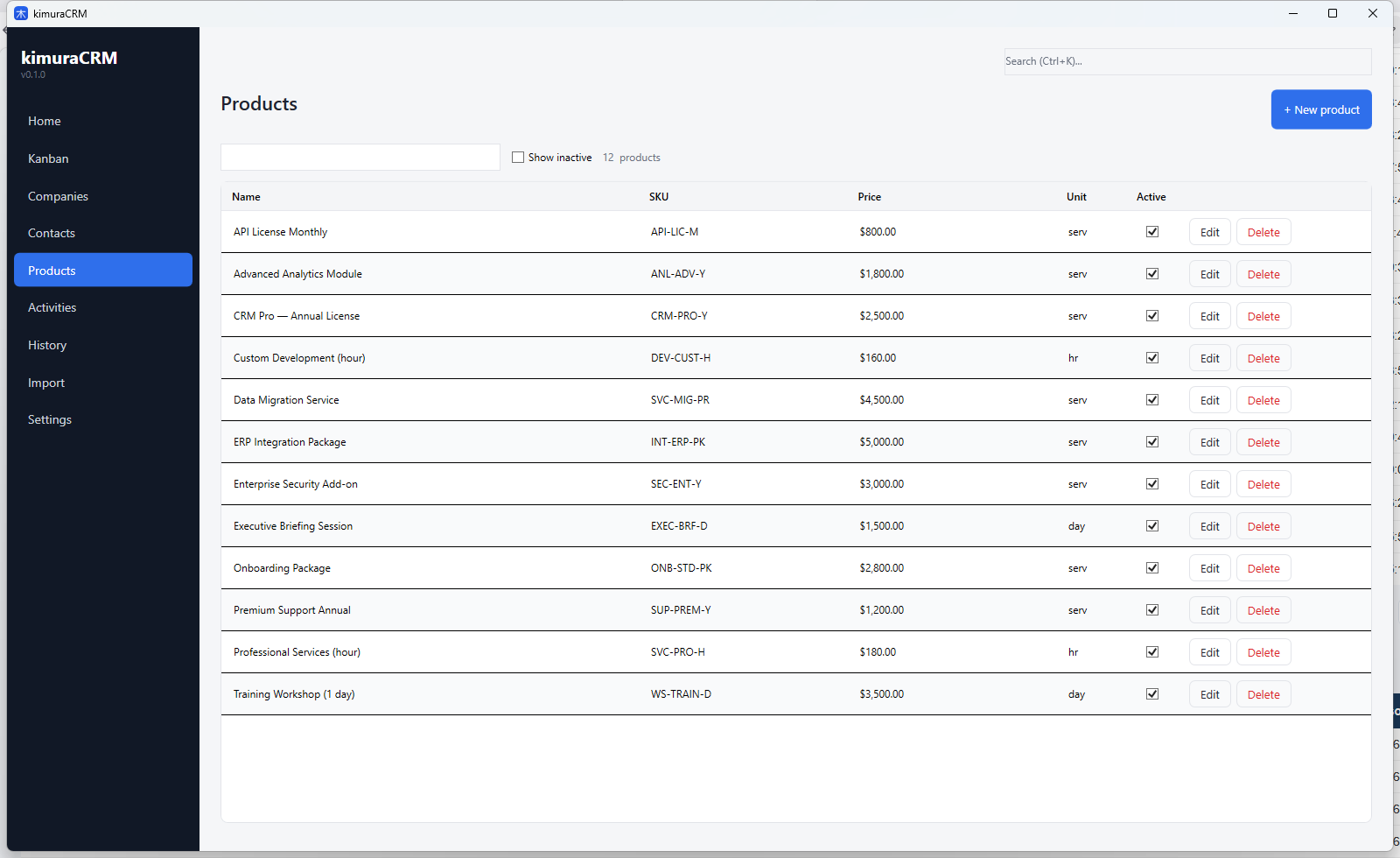
Generates a customizable PDF straight from the deal, with your company info, products, discounts, totals and custom footer.
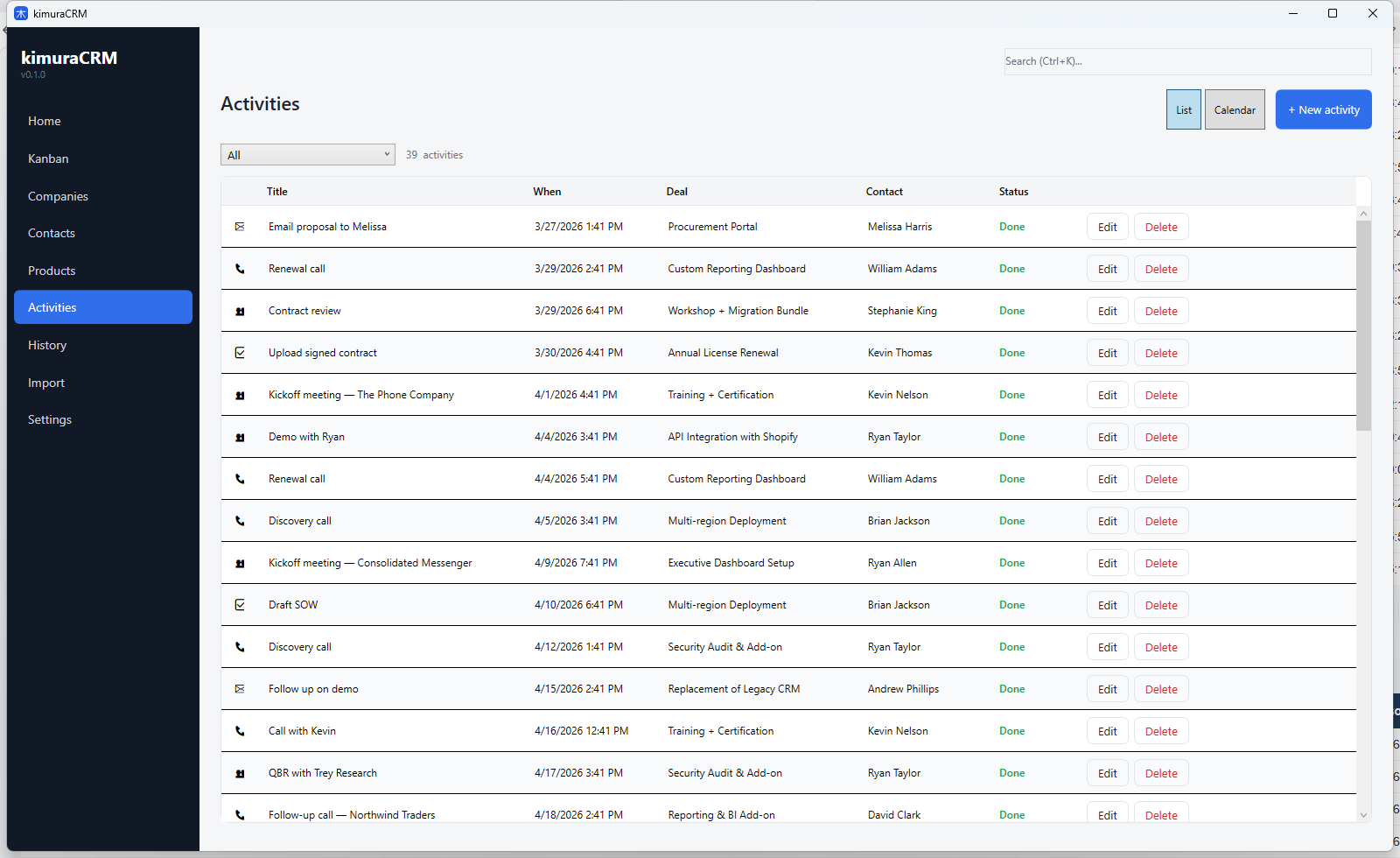
Calls, meetings, emails or tasks — with reminders and native Windows notifications. Switch between list and calendar.
Upload CSV, map columns and bulk import. Creates contacts, companies and deals at the stage you pick.
Color-code deals and add extra fields (size, industry, property type — whatever you need).
One .zip per day with the database and all attached files. Keeps the last 7 days.
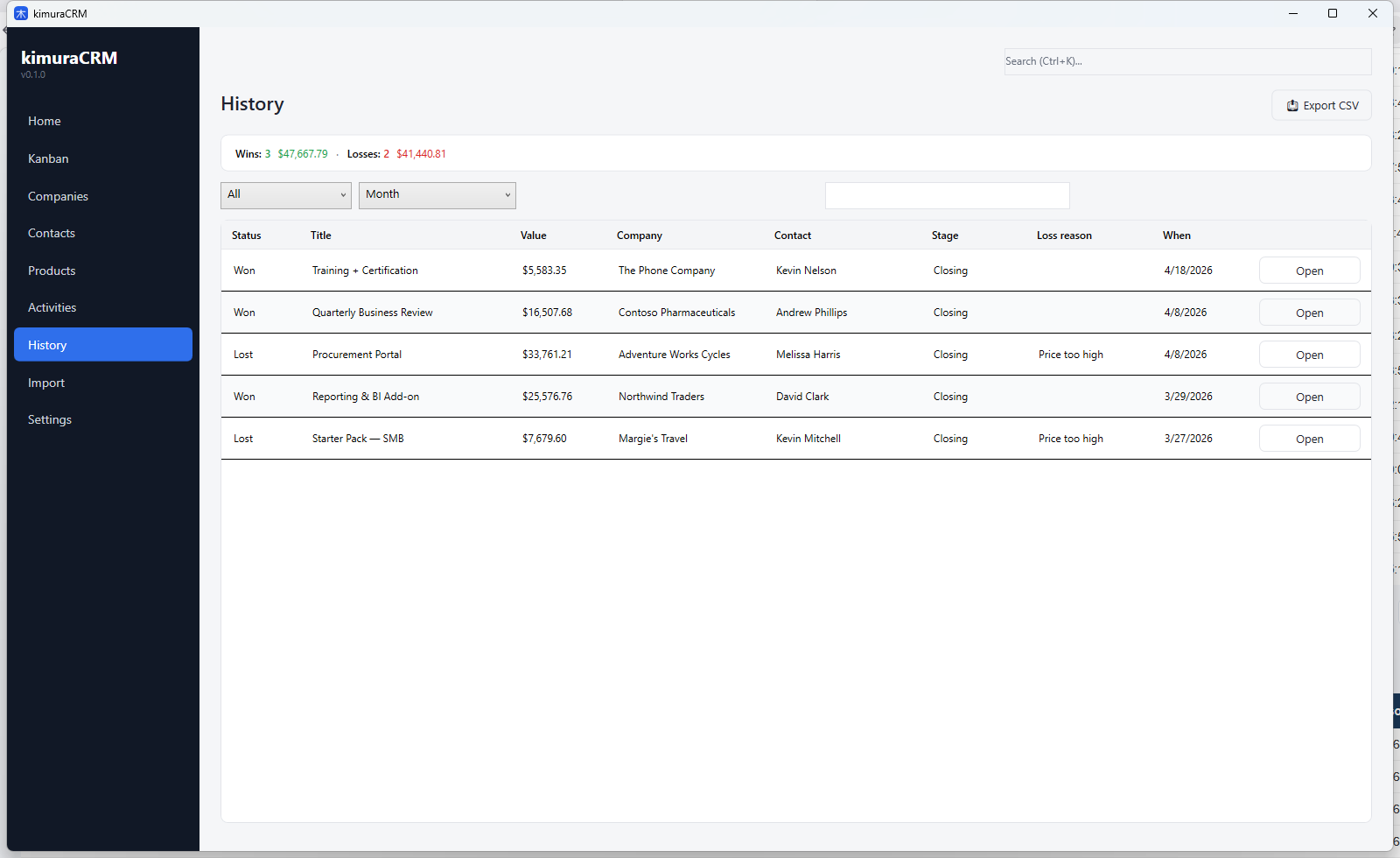
Filter by period and reason. Learn from what closed — and what escaped to the competitor.
Contracts, proposals, images — attached to the deal, included in the backup, opened with one click.
Windows toast for every activity that's due, with a direct link to the deal.
Clean interface, built to be fast day to day.
Straight from the Microsoft Store. Runs on Windows 10 and 11 (64-bit).
Current version: 1.0.0 · No sign-up · No credit card · No usage limits.
What usually lands in the inbox.
Free for personal and small business use. No subscription, no contact limits, no paywall. If we make money down the road, it will be through an enterprise edition or optional services — the core stays free.
No. kimuraCRM is a native desktop app. Once installed, every feature — kanban, quotes, backups — works without a connection.
Every list — contacts, companies, deals — can be exported to CSV at any time. Your data is yours.
No. There's an automatic .zip backup (last 7 days). Copy the most recent .zip to the new machine, unzip it into %APPDATA%\kimuraCRM, and everything is back — including attachments.